Skip to content
02 · Cameras & hardware

pod.cam

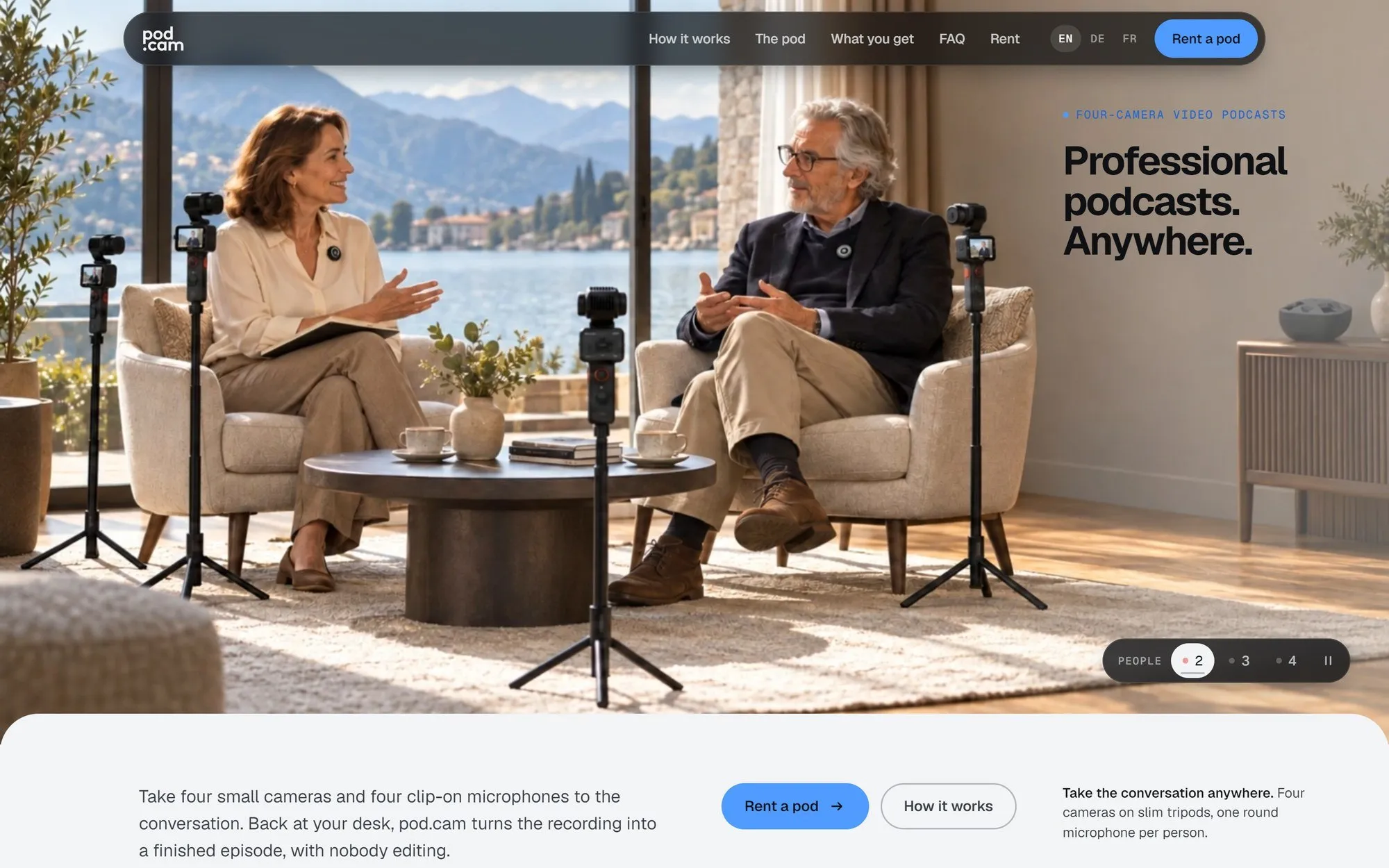
A video podcast studio that edits itself

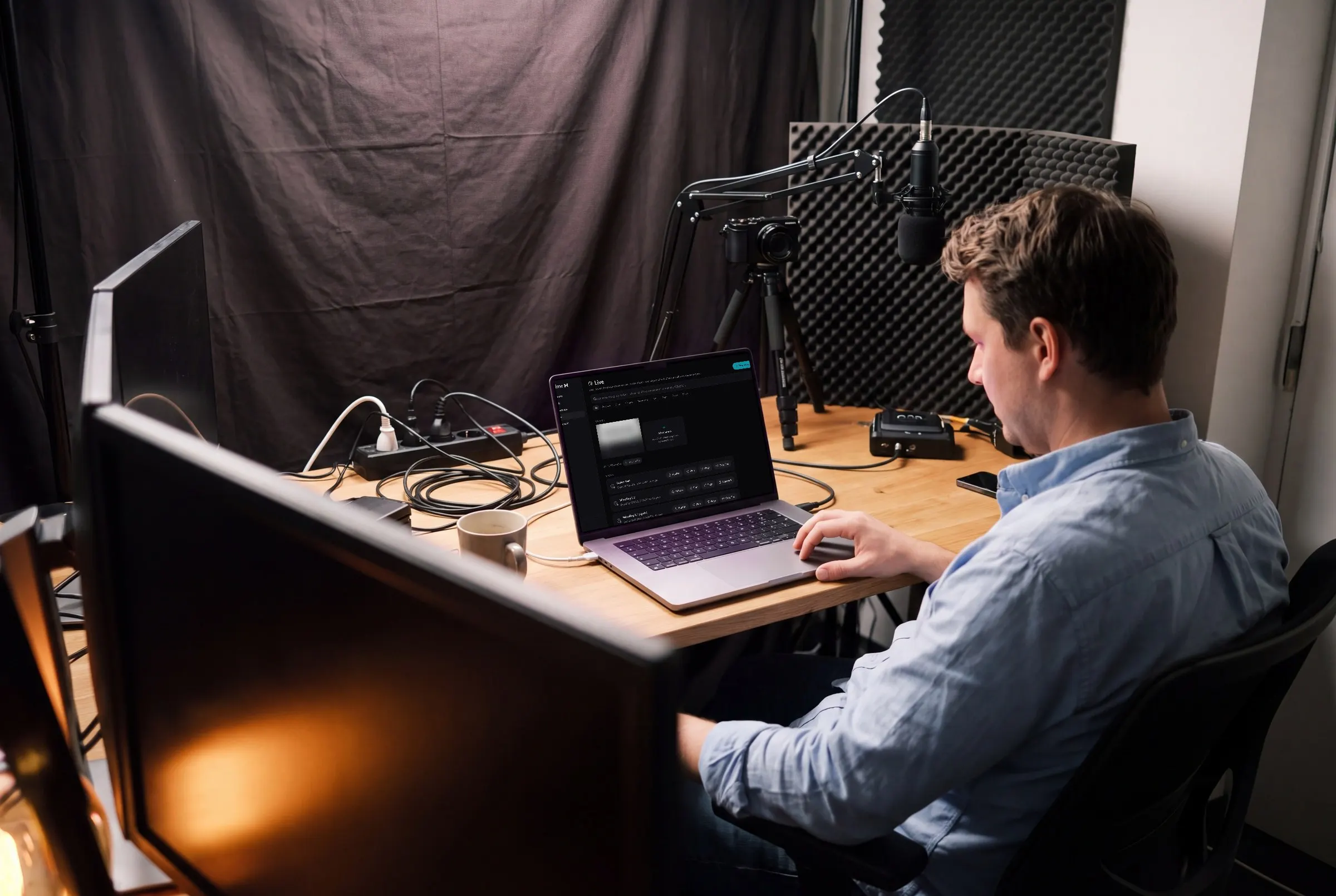
pod.cam turns a four-camera recording into a finished episode: edited, colour-graded, mastered, with vertical reels, captions, show notes and chapters. On a Mac at the recording table, with no edit suite.

In production pod.cam
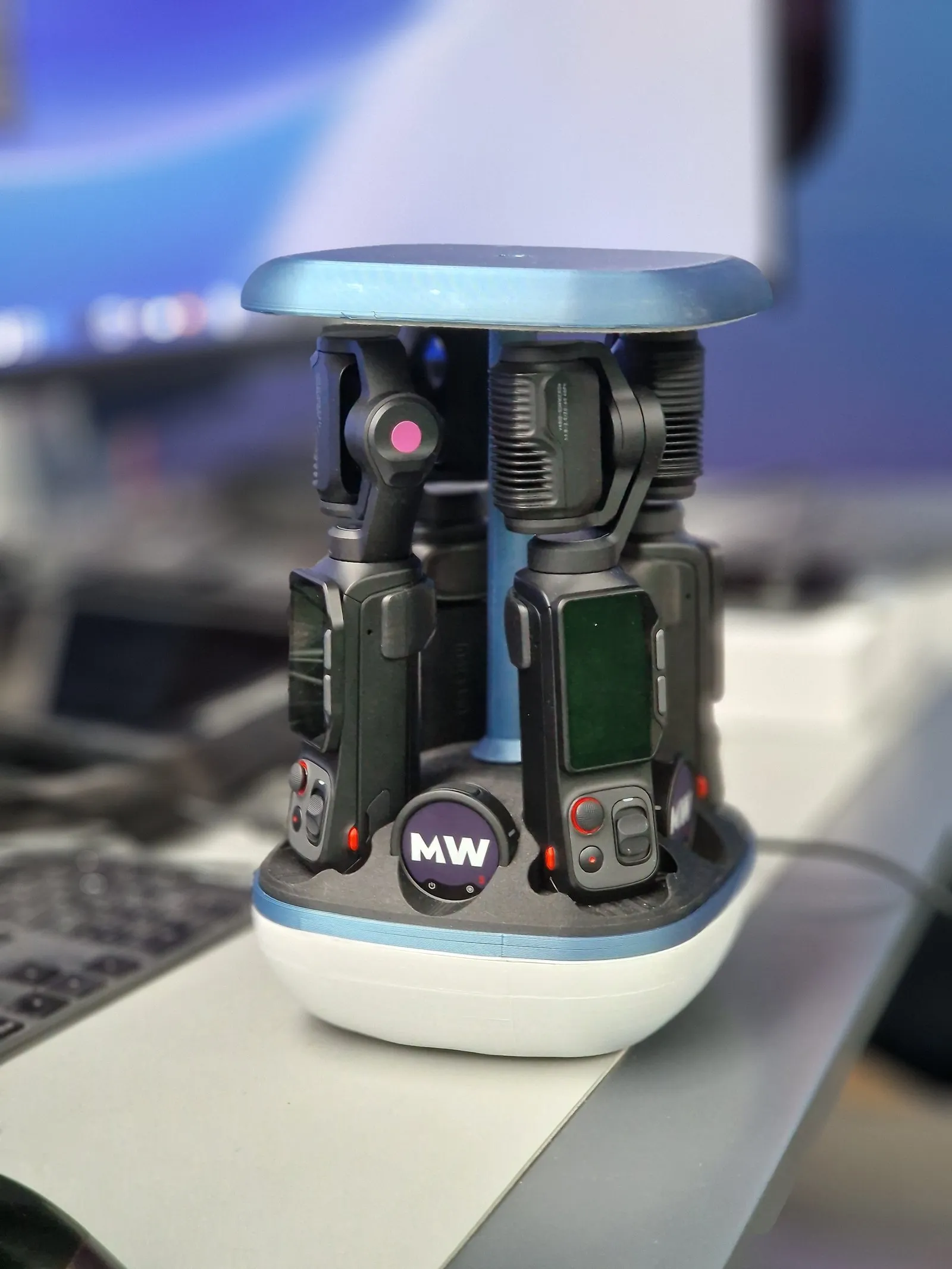
Cameras
4 in the pod, up to 2 as wide shots
Turnaround
About twice the episode length
Output
Master, 9:16 reels, captions, chapters
Runs
Offline on the Mac, web at app.pod.cam
pod.cam — A video podcast studio that edits itself

The product

05

Tech stack

  • Python
  • Whisper (MLX)
  • Qwen3 (mlx-lm)
  • Apple Vision
  • DaVinci Resolve
  • ffmpeg
  • SwiftUI
  • Astro 5 + React 19
  • Workers · D1 · R2
01

Problem

After a video podcast is recorded, the real work starts: copying cards, syncing tracks, cutting, matching colour, mixing, rendering, cutting reels, writing copy, uploading. That takes days.

02

Approach

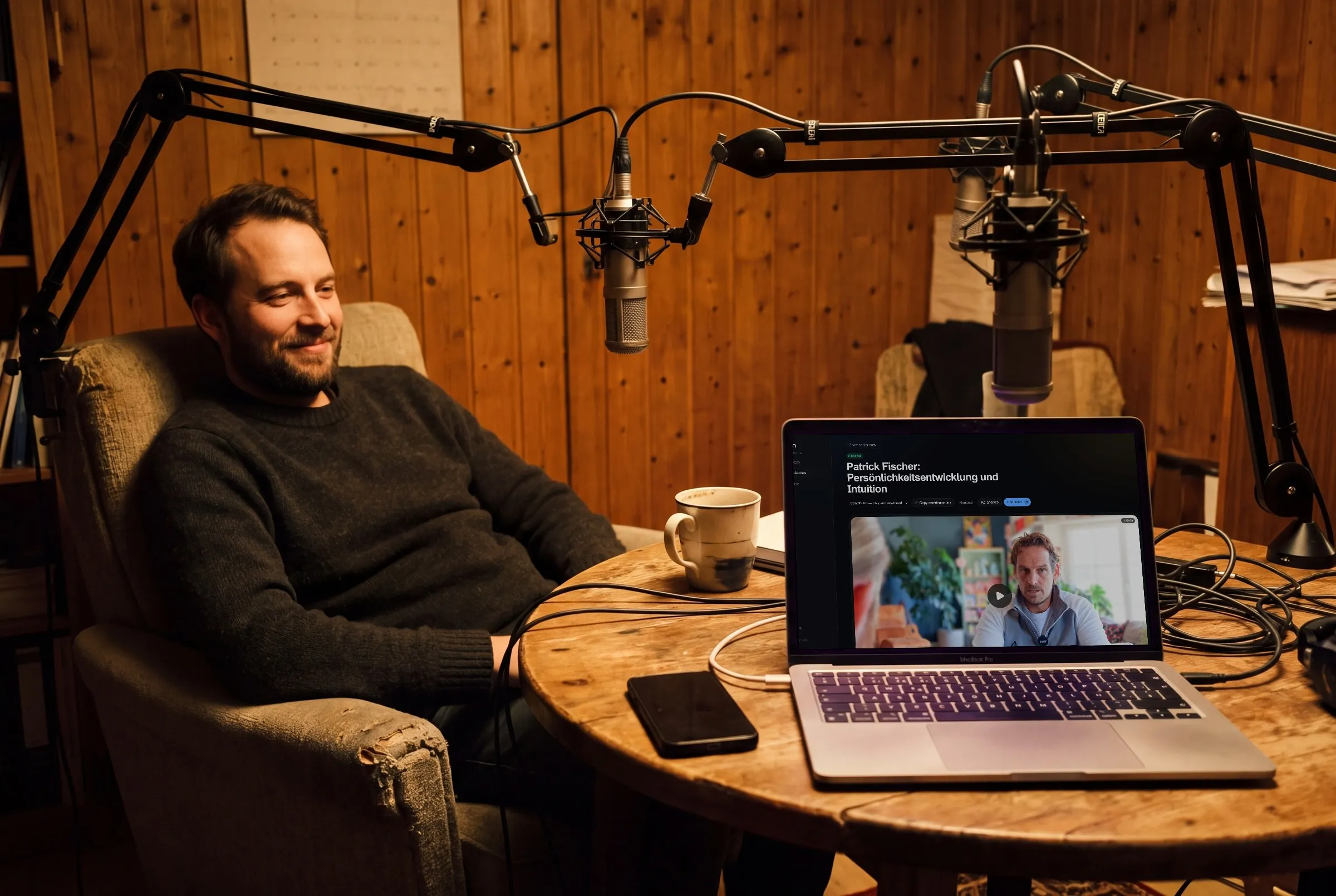
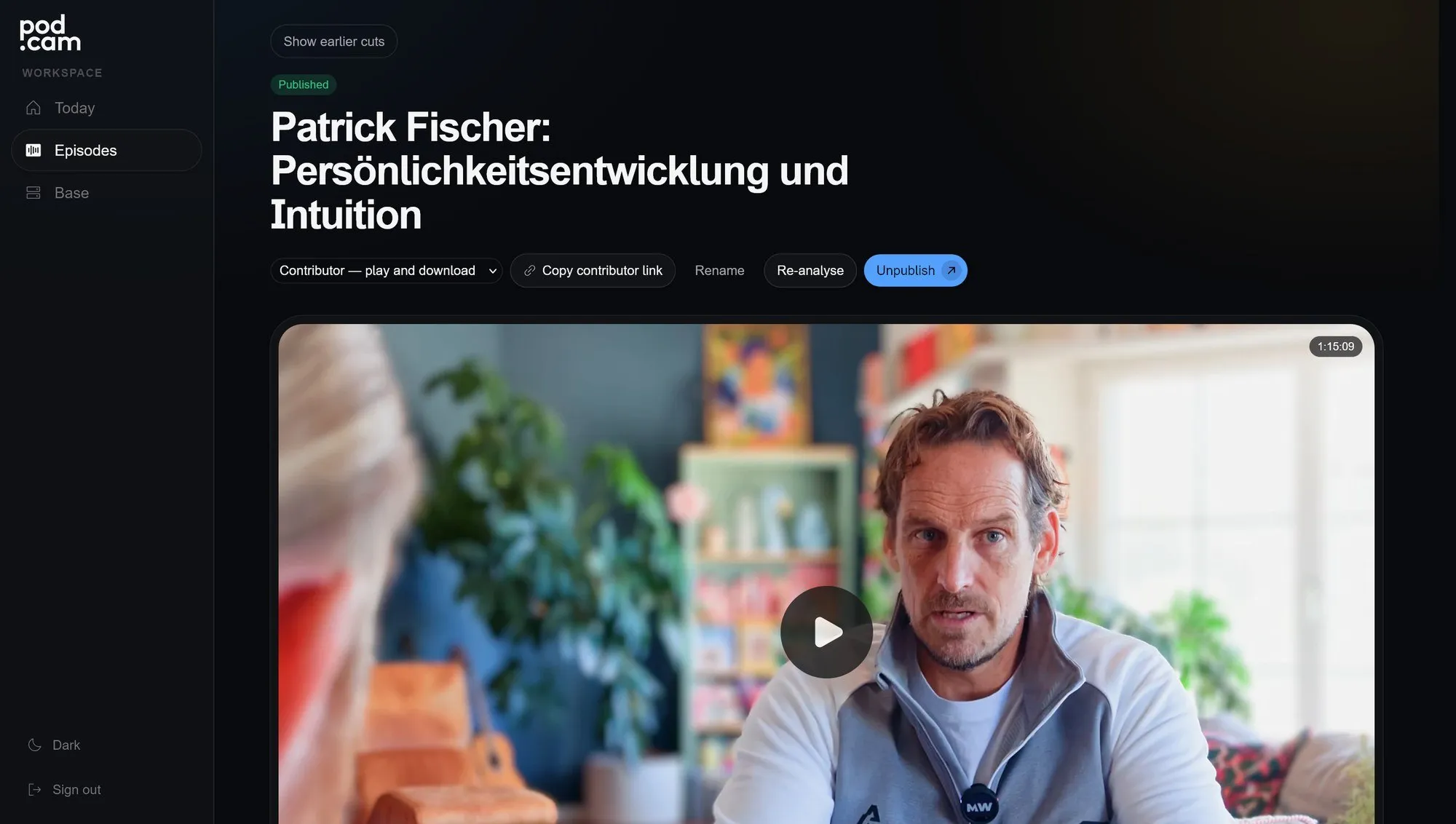
On the table stands a pod with four cameras, in its base a Mac that does the rest offline: Whisper transcribes, Apple Vision finds faces and where they look, a local language model proposes highlights, titles and notes, DaVinci Resolve cuts, grades and renders without a screen. Every edit decision is logged, and every episode ships as a Resolve project so a person can keep working on it. Finished episodes appear on app.pod.cam, where guests get their episode and their reels through a link, in the show's own look.

03

Outcome

In use, among others for the Michael Weber Podcast. A 34-minute episode was finished on a Mac Studio after 70 minutes, reels included.